Create the wedding
Open a free demo and name your event. CrowdShots prepares the guest upload link, printable QR code, private host gallery and a separate television link. You can test the entire flow before committing.
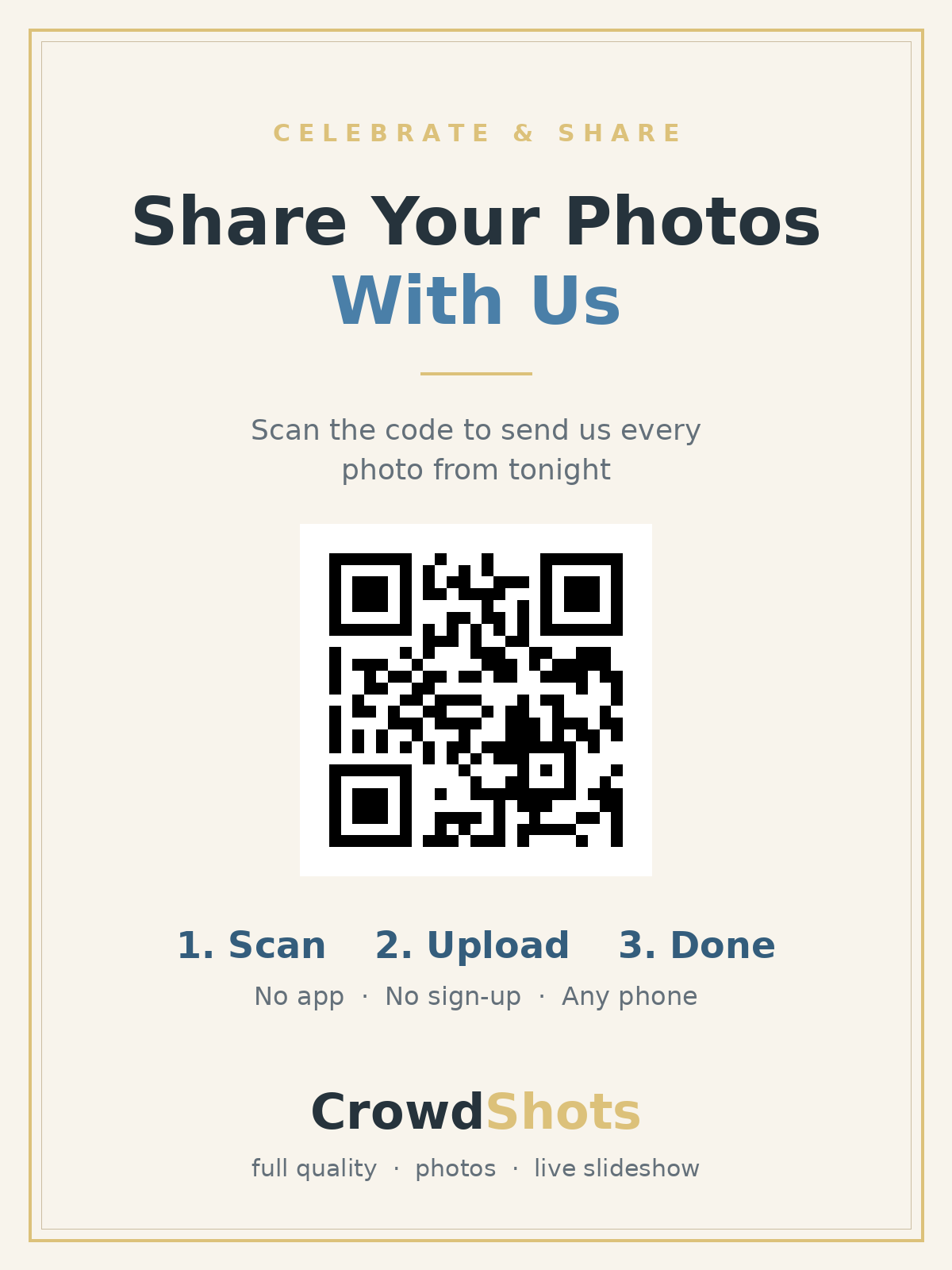
Put one QR code on your tables and let every guest add their photos to your private wedding gallery. No app, no guest account and no awkward group-chat chase the morning after.
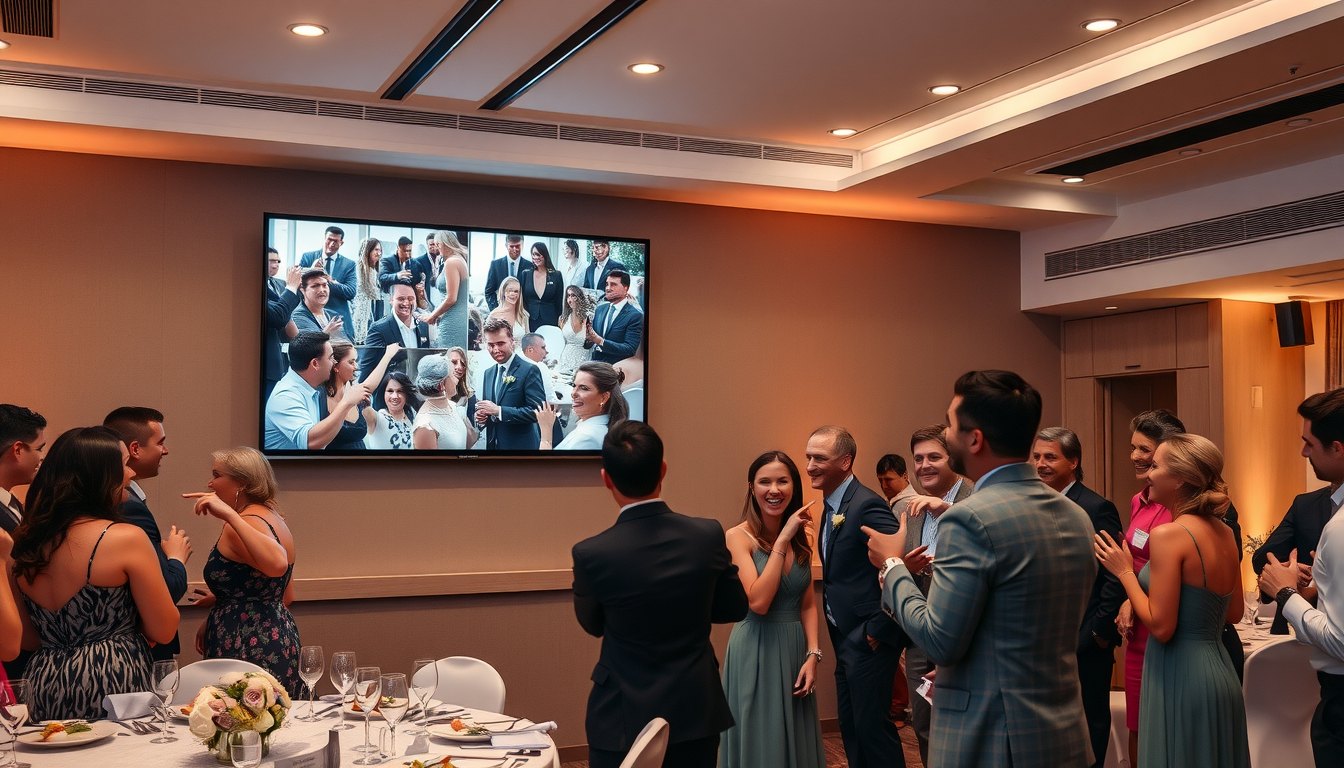
A professional photographer captures the photographs you planned. Your guests capture the table jokes, the cousins meeting again, the view from the back row, the late-night shoes-off dancing and the quiet moments happening in every other corner. CrowdShots does not replace your photographer. It gives those hundreds of informal pictures one sensible place to land.
Open a free demo and name your event. CrowdShots prepares the guest upload link, printable QR code, private host gallery and a separate television link. You can test the entire flow before committing.
Print it on table cards, your welcome sign or the bar menu. A guest points their normal camera at it, taps the link and chooses photos. There is nothing to install and no new password to remember.
New contributions collect in the private gallery and can appear on your reception screen. After the wedding, download the collection instead of asking twelve different chats to send files again.
The strongest wedding setup is deliberately boring: the same clear code in a few useful places, a one-line instruction and a quick mention from the MC. Guests should understand it before they have to ask.
Do not hide the only sign beside the guest book in a dark entrance. Put a small copy where people naturally pause and have their phone in hand. Keep decorative artwork away from the quiet border around the code, print it at a comfortable size and test the final physical sign from an ordinary seated distance.
See the complete wedding setup guide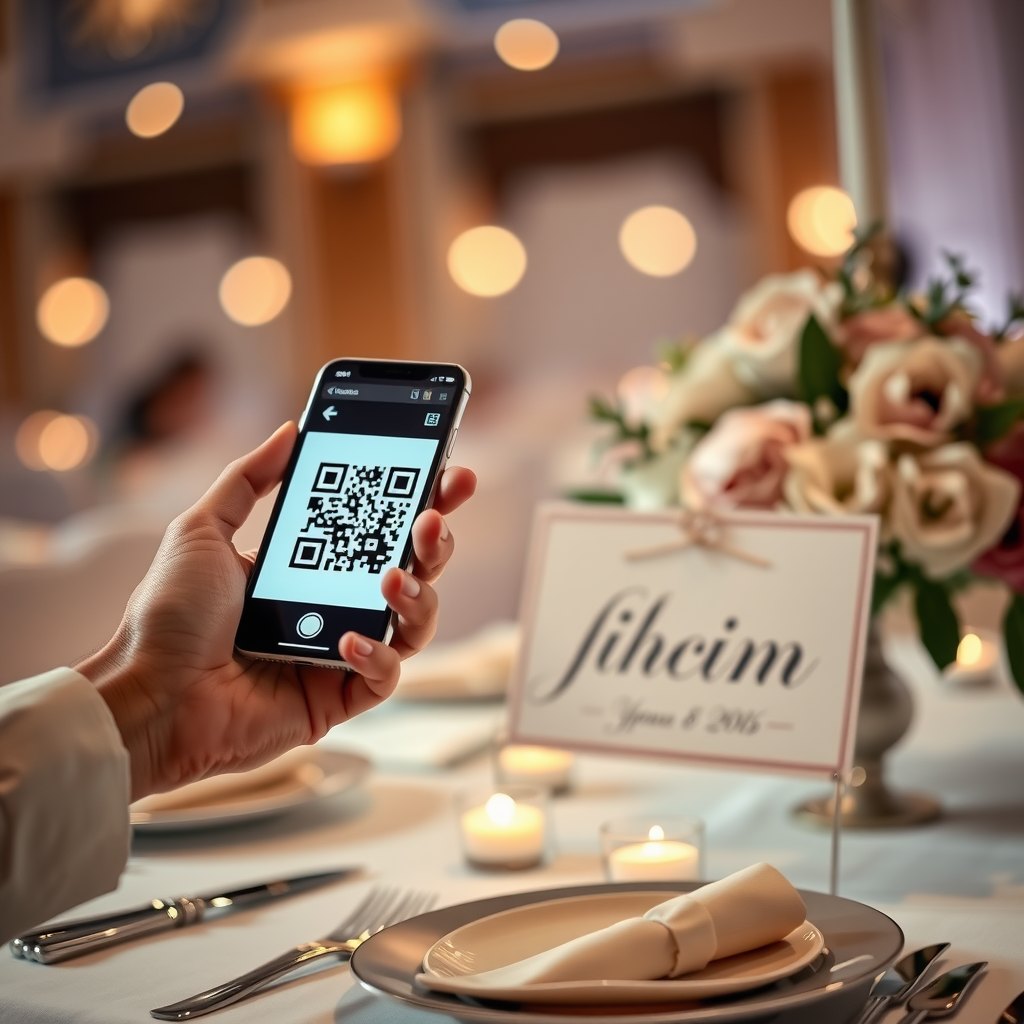
You do not need QR wallpaper. A few well-chosen touchpoints are better than twenty signs competing with the styling.
Introduce the idea as people arrive, but do not rely on this spot alone. Guests are usually holding bags, gifts or drinks.
Use one sturdy card per table. People have time to scan between courses and can show the person sitting beside them.
Add a second touchpoint where guests gather later. Keep it upright, well lit and away from spilled drinks.
If the slideshow is running, place the code nearby so the connection between uploading and seeing the result is obvious.
Open the CrowdShots slideshow link on a laptop connected to a television or projector. It is separate from the host gallery, so the person operating the screen does not need your private controls. As guests contribute, the room starts seeing the wedding from dozens of perspectives.
A good slideshow is background atmosphere, not another formal activity. Put it where guests can notice it without blocking speeches, keep the laptop powered, disable sleep and test the display connection before doors open. During sensitive moments, the operator can simply switch inputs or blank the screen.
Family who cannot travel can also receive the viewing link. It is a small way to include someone interstate or overseas without making them join a video call all evening.
Explore the live slideshow
Country properties, sandstone buildings, metal sheds and crowded city venues can all behave differently once a room fills with phones. CrowdShots can work at weddings in Sydney and across regional Australia, but the venue connection still matters.
Run the free venue Wi-Fi check beside the guest tables, at the bar and where the slideshow laptop will sit. Testing in the venue office is not enough if the reception is two buildings away.
Confirm the guest network name and password, whether it has a sign-in page, and whether devices are isolated. Ask if the television accepts HDMI and who is allowed to change its input.
If reception dips, guests can keep taking pictures and upload later when the connection returns. Put the link in the run sheet, keep the QR signs out and do not dismantle the setup immediately after last drinks.
Any link can move a photograph. The difference is how much work it asks from every guest and how cleanly the result belongs to the couple.
| Wedding requirement | CrowdShots | Group chat | App-based album |
|---|---|---|---|
| Guests can join without an account | Yes | Often no | Often no |
| No app installation | Yes | No | No |
| Dedicated live venue slideshow | Included | No | Varies |
| Private host controls | Separate | Mixed together | Varies |
| One wedding-specific QR code | Included | Manual | Varies |
| Clear one-off Australian price | A$10 | Free | Varies |
CrowdShots is Australian owned. Your event media is stored on our own servers in Australia, not analysed to recognise faces or assemble advertising profiles. We do not need to identify the people in a photograph to put that photograph in your gallery.
Read the plain-language No AI promise and the full Terms and Privacy policy. Your statutory rights under Australian Consumer Law are not excluded by a website promise or refund policy.
This is not a stack of copied suburb pages. The same Australian service works for a harbour reception, a suburban hall, a vineyard, a farm, a coastal club or a family backyard. What changes is the room and its connection plan.
From Sydney hotels to Hunter vineyards, Southern Highlands estates and Canberra venues: test dense buildings and country coverage.
Plan for old walls, converted warehouses and rural properties. Confirm guest Wi-Fi and the screen input with the coordinator.
Keep table signs shaded and dry at outdoor receptions, and test the exact function area rather than the venue foyer.
For wineries, long-distance guests and destination weddings, share the viewing link with family who cannot make the trip.
Remote does not mean impossible. Treat connectivity as part of the run sheet and give guests time to upload later.
In regional Australia, a deliberate Wi-Fi and mobile test matters more than assumptions based on a coverage map.
High signal bars do not guarantee capacity in a packed room. Ask about the guest network and run a loaded test early.
Use home Wi-Fi carefully, keep the password simple to share and place the slideshow device near reliable coverage.
Start with a real demo, see the guest experience on your own phone and only unlock the full event when it suits you.
one-time per event
GST included
no subscription
No. Guests scan the QR code with the camera already on their phone and the upload page opens in their browser. They do not need an account or a CrowdShots app.
A full event is A$10 once, with GST included. There is no subscription. You can start with a free demo before paying.
CrowdShots is Australian owned and event media is stored on our own servers in Australia. The host controls the private event links and can download the collection.
Usually, yes. It works wherever guests have usable venue Wi-Fi or mobile reception. Run the free connection check at the tables and screen position before the day.
Yes. Open the separate slideshow link on a television, projector or laptop. New uploads join the live photo wall without exposing host controls.
No. CrowdShots does not scan faces, create biometric profiles or train AI on your wedding photos.
The event gallery is available for about 90 days. Download the complete collection during that period and keep your own permanent copy.
Yes. Guests can contribute photos and supported video clips, and add a name or short message to each contribution.
Guests can keep taking pictures and upload when service returns. Test first, retain the signs and keep the host link in the wedding run sheet.
Build a free CrowdShots demo now, scan it from another phone and see exactly what your guests will see at the wedding.